

Open Now



Contact Information
64 Clyde Road, Browns Bay 0630
Detailed Information
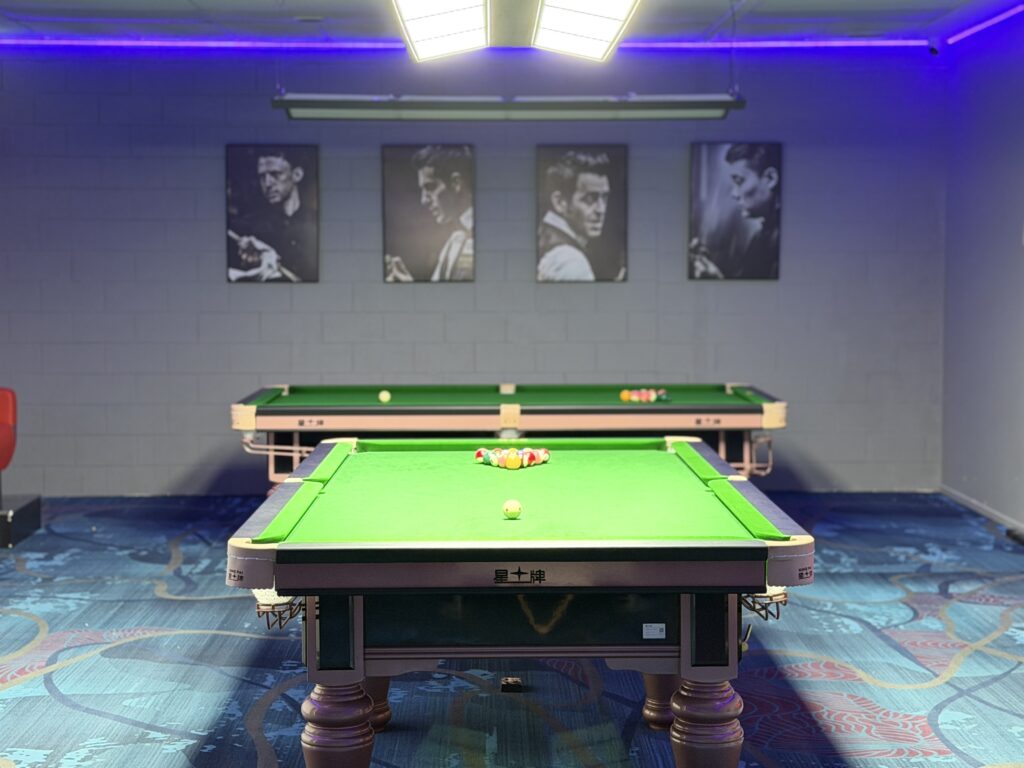
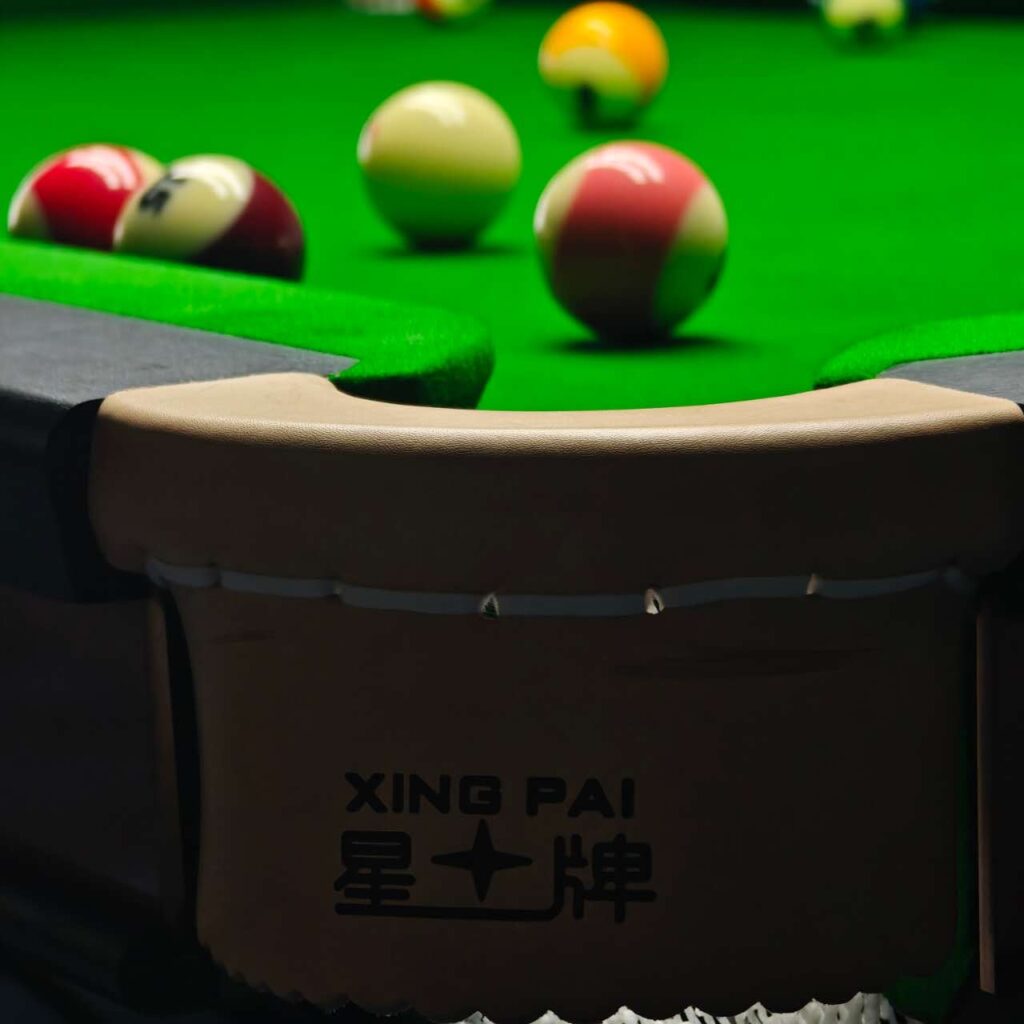
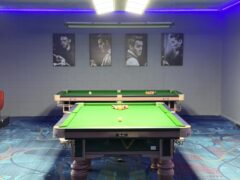
Experience New Zealand’s first ever in-app 24/7 self-service billiards venue in Browns Bay!
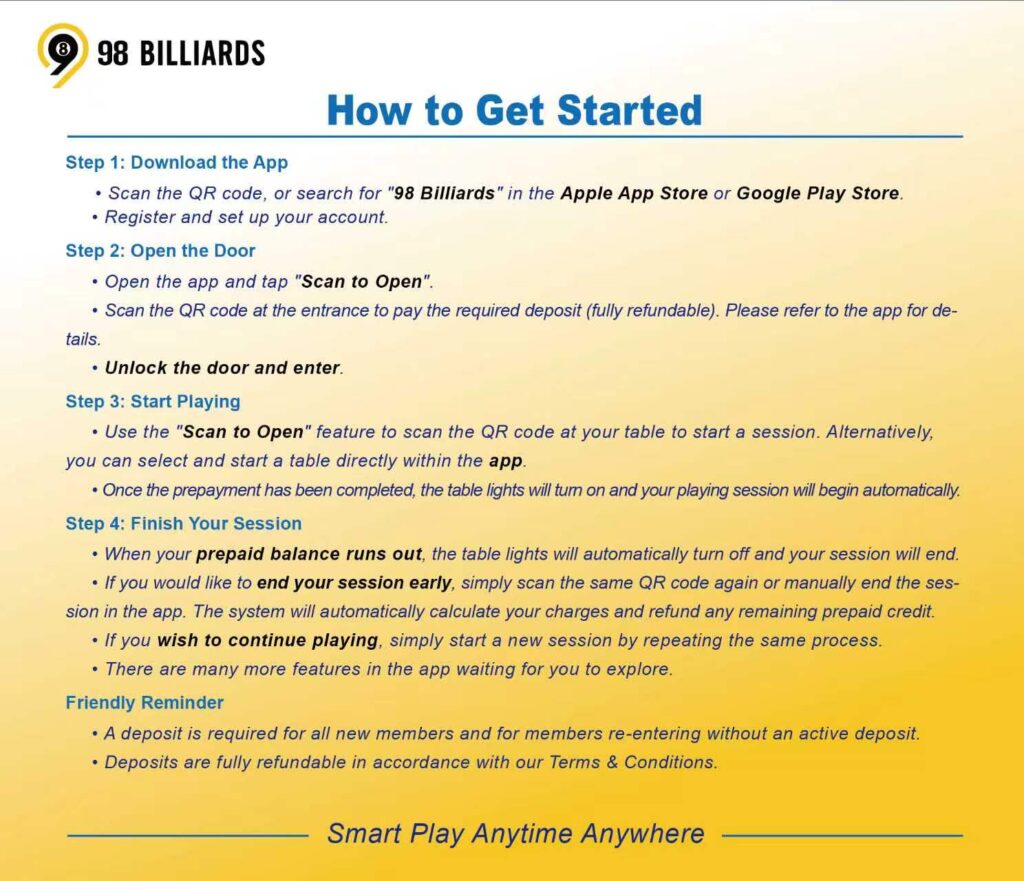
How to Get Started
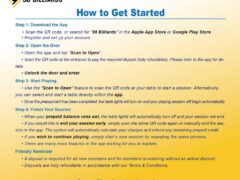
Step 1: Download the App
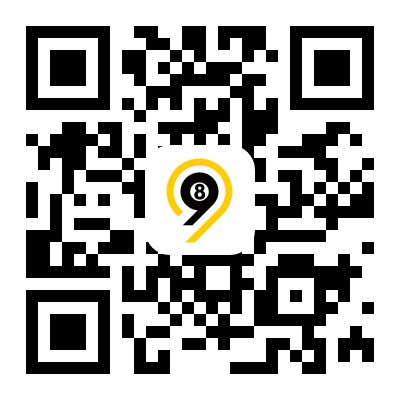
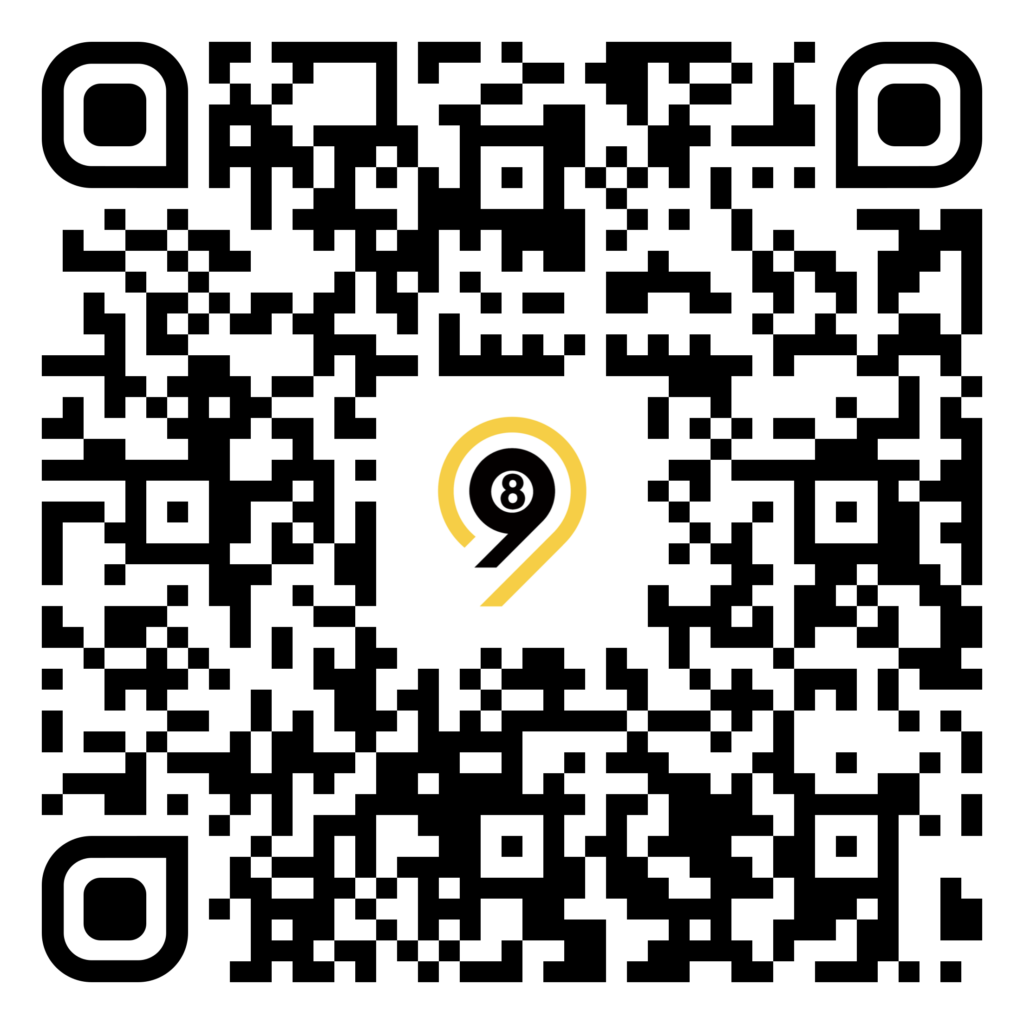
- Scan the QR code, or search for “98 Billiards”in the Apple App Store or Google Play Store.
• Register and set up your account.
Step 2: Open the Door
- Open the app and tap “Scan to Open”.
• Scan the QR code at the entrance to pay the required deposit (fully refundable)*. Please refer to the app for details.
• Unlock the door and enter.
Step 3: Start Playing
- Use the “Scan to Open”feature to scan the QR code at your table to start a session. Alternatively, you can select and start a table directly within the app.
• Once the prepayment has been completed, the table lights will turn on and your playing session will begin automatically.
Step 4: Finish Your Session
- When your prepaid balance runs out, the table lights will automatically turn off and your session will end.
• If you would like to end your session early, simply scan the same QR code again or manually end the session in the app. The system will automatically calculate your charges and refund any remaining prepaid credit.
• If you wish to continue playing, simply start a new session by repeating the same process.
• There are many more features in the app waiting for you to explore.
Friendly Reminder
- A deposit is required for all new members and for members re-entering without an active deposit.
*Deposits are fully refundable in accordance with our Terms & Conditions.
Opening Hours
Monday
All day
Tuesday
All day
Wednesday
All day
Thursday
All day
Friday
All day
Saturday
All day
Sunday
All day